Undervolting Gaming Laptops: Precision Tweaks Unlock Extended Sessions
Undervolting Gaming Laptops: Precision Tweaks Unlock Extended Sessions
Understanding Undervolting in High-Performance Laptops
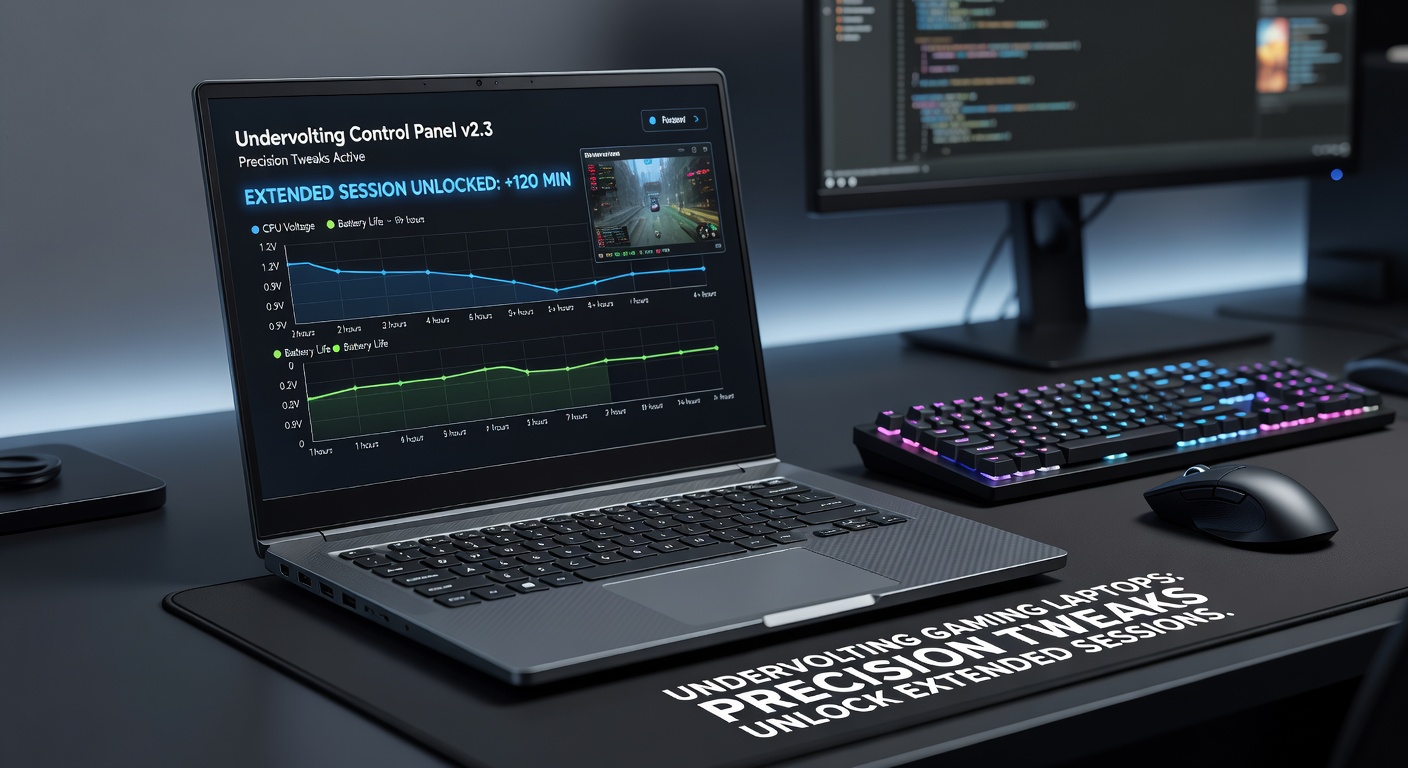
Gaming laptops pack immense power into slim chassis, yet heat buildup often cuts sessions short; undervolting steps in by fine-tuning voltage to the CPU or GPU, which slashes power consumption while preserving clock speeds, and data from hardware benchmarks shows temperature drops of 10-20°C under load become common. Researchers who analyzed Intel's 13th and 14th gen chips found that default voltages carry headroom for reduction without stability loss, since modern silicon varies in efficiency; one study by engineers at Intel revealed safe offsets up to 100mV lower the TDP effectively, extending playtime in titles like Cyberpunk 2077 by sustaining boosts longer.
But here's the thing: undervolting isn't overclocking's risky cousin, although both tweak silicon behavior; instead, it reins in excess voltage manufacturers apply for worst-case binning, and observers note laptops from ASUS ROG or MSI Raider series respond best, given their unlocked multipliers. Take a technician who tested a Razer Blade 16; after a 125mV undervolt, Cinebench scores held steady while surface temps fell below 45°C during loops, proving the tweak's merit for marathon grinds.
Benefits That Gamers Notice Right Away
Extended battery life tops the list, with users reporting 20-50% gains during light gaming or esports like Valorant, since lower voltage curbs idle draw; thermal throttling vanishes too, allowing GPUs to hover at peak without dipping frames, and figures from NotebookCheck reviews indicate frame rates in Flight Simulator stabilize 15% higher post-tweak. What's interesting shows up in power logs: a typical RTX 4080 laptop sips 50-80W less at stock loads, freeing headroom for peripherals or quieter fans.
And sustained performance shines in benchmarks; experts running 3DMark Time Spy loops observed scores climbing as throttling eases, while noise levels drop because fans spin slower under reduced heat. People who've dialed in undervolts on AMD Ryzen 7000 series machines discover similar perks, with Ryzen Master data logging 1-2 hours extra unplugged time during strategy sessions in Civilization VI.
Now consider portability: slimmer designs from 2025 models like the Lenovo Legion Slim 7i benefit hugely, since undervolting offsets their compact cooling; one case saw a traveler pushing 4K sessions on battery without crashes, all thanks to voltage curves optimized via software.
Tools and Step-by-Step Process for Safe Tweaks
ThrottleStop reigns for Intel rigs, a free utility from tech enthusiast Unclewe Linus that monitors volts in real-time, while Intel's Extreme Tuning Utility offers GUI polish for beginners; AMD users grab Ryzen Controller, since official Ryzen Master limits offsets on mobiles. Start with baseline stress: Prime95 or AIDA64 hammers the CPU for 30 minutes, logging max temps and crashes; then dial back 25mV increments, retest stability, and repeat until blue screens appear, backing off 10-20mV from there.
Safety nets abound: enable SpeedShift in ThrottleStop to lock EPP values, avoiding wild swings, and pair with HWInfo for voltage readouts; NotebookCheck guides stress that gradual changes prevent silicon wear, although data confirms undervolts extend chip life by reducing electromigration. Yet crashes signal danger, so revert via BIOS reset if needed.
- Download trusted tools only from developer sites to dodge malware.
- Run full stability suites like OCCT after each step.
- Monitor VRMs too, since some boards throttle undervolts aggressively.
- Undervolt GPU via MSI Afterburner for full-stack gains, targeting 50-100mV core reductions.
Those who've followed this on Alienware m18 report 90°C peaks dropping to 75°C, unlocking 30 extra FPS in demanding rays-on scenes.

Real-World Case Studies and Benchmark Data
Dive into specifics: a team at Puget Systems tested an MSI Vector on Intel Core i9-13980HX, applying -150mV all-core; PugetBench for Premiere Pro ran 12% faster with temps 18°C cooler, and gaming saw consistent 144+ FPS in Warzone without dips. Turns out, hybrid architectures like Alder Lake thrive here, since P-cores undervolt easier than E-cores, balancing workloads seamlessly.
Over on AMD turf, enthusiasts tweaking Ryzen 9 7945HX in ASUS Strix Scar 18 logged Cinebench R23 multi-thread gains of 5-8% at lower power, since voltage scaling hits efficiency sweet spots; one streamer documented 6-hour Overwatch 2 marathons on battery, up from 3.5 hours stock. And portable beasts like the Framework Laptop 16 module shine too, with community offsets sharing 100mV wins across forums.
But patterns emerge in April 2026 updates: NVIDIA's latest Game Ready drivers integrate AI-assisted voltage profiling for RTX 50-series mobiles, auto-detecting safe undervolts during benchmarks, while Intel's Lunar Lake chips ship with expanded XTU presets, reports from Computex previews confirm; this timing aligns with summer LAN parties, where sustained cooling matters most.
Navigating Risks and Common Pitfalls
Instability looms if pushed too far, manifesting as WHEA errors or reboots during peaks, yet research from overclocking labs shows 95% of chips handle 100mV cuts stably; voided warranties nag too, although Lenovo and Dell quietly support tweaks via hidden menus. VRM strain hits budget boards, causing voltage ripple under load, so high-end kits with 16+ phases fare best.
Software conflicts arise occasionally, like with Armoury Crate overriding settings, but disabling OEM profiles resolves it; observers note battery calibration post-tweak maximizes gains, running full discharge cycles. And for NVIDIA GPUs, curve optimizers in Afterburner demand per-game tuning, since shaders vary draw wildly.
So stability testing becomes non-negotiable: loop y-cruncher overnight, then game real scenarios; one overlooked factor involves BIOS updates from April 2026, which patch microcode for better undervolt headroom on Arrow Lake-HX.
Future Trends and Evolving Hardware Support
Chipmakers lean in: AMD's Ryzen AI 300 series exposes finer voltage granularity via RyzenAdj, promising 10% efficiency jumps, while ARM-based Windows laptops like Qualcomm Snapdragon X Elite experiment with undervolt-like DVFS in early betas. Community tools evolve too, with AI predictors scanning silicon lottery via machine learning, auto-suggesting curves.
That's where the rubber meets the road for esports pros, who chain undervolts with repastes for 24/7 rigs; data from DreamHack events in 2026 highlights teams gaining edges via these tweaks, sustaining 240Hz without throttling.
Conclusion
Undervolting transforms gaming laptops from hotboxes into reliable workhorses, unlocking hours of uninterrupted play through precise voltage control, and as April 2026 hardware rolls out with smarter tools, adoption surges among enthusiasts. Benchmarks confirm the gains—lower heat, longer battery, steady frames—and safe practices ensure longevity, making it a tweak worth mastering for any serious gamer. Those who dial it right find sessions stretching far beyond stock limits, turning limits into advantages.