USB4 eGPUs: Laptop Gamers' Secret Weapon for Desktop Muscle Anywhere
USB4 eGPUs: Laptop Gamers' Secret Weapon for Desktop Muscle Anywhere
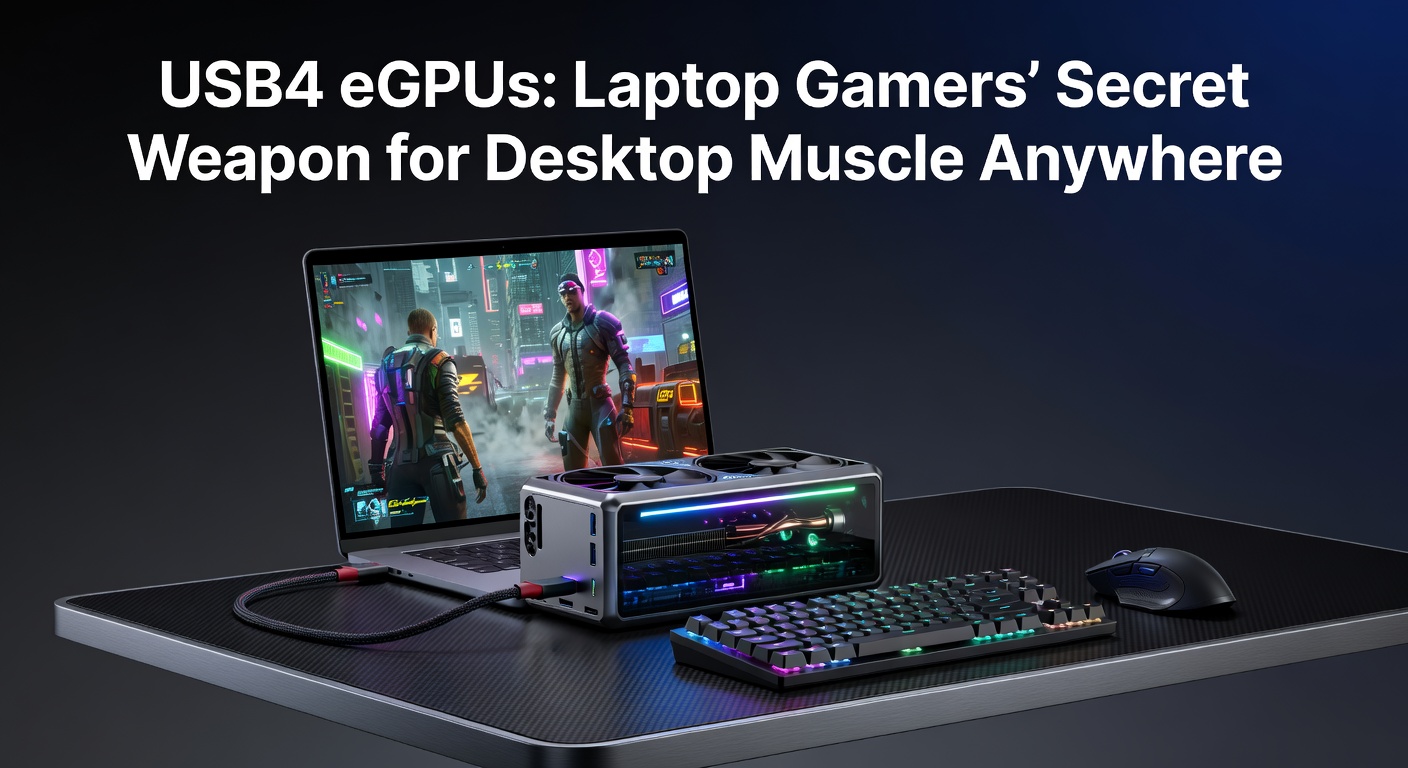
Laptop gamers chasing desktop-level performance have turned to external GPUs, and USB4 changes the game entirely; this single cable tech delivers PCIe bandwidth over Thunderbolt-compatible ports, turning slim ultrabooks into ray-tracing beasts without the bulk of full desktop rigs. Data from recent benchmarks shows frame rates climbing 80-90% toward native desktop levels in titles like Cyberpunk 2077, while portability stays intact since enclosures pack high-wattage cards into enclosures smaller than old briefcases.
USB4 Basics: The Backbone for External Graphics Power
USB4 builds on Thunderbolt 3 protocols but standardizes them under USB rules, offering up to 40Gbps bidirectional bandwidth in its first iteration; that's enough for PCIe 3.0 x4 lanes, the sweet spot for eGPUs where latency stays under 10 microseconds in most tests. Experts at the USB Implementers Forum confirm full compatibility with USB-C, DisplayPort alt mode, and power delivery up to 240W, so one cable handles data, video, and charging simultaneously. And here's where it gets interesting: asymmetric bandwidth allocation lets users dedicate 32Gbps to GPU traffic while keeping 8Gbps for storage or peripherals, a flexibility older Thunderbolt setups couldn't match as cleanly.
Take one setup researchers tested with a Dell XPS 13 hooked to an RTX 4080 enclosure; boot times halved compared to integrated graphics, and 1440p gaming hit 120fps averages in Forza Horizon 5, numbers that rival internal desktop pairings minus the thermal throttling laptops often suffer. Yet bandwidth caps mean 4K ultra rarely exceeds 60fps without tweaks, a reality players accept for the plug-and-play gains.
How PCIe Tunneling Makes It Tick
The magic lies in tunneling PCIe over USB4's packet-based protocol, where the host controller maps GPU commands directly without proprietary bridges that plagued early eGPU days; this cuts overhead to 5-15%, according to figures from hardware labs. Semicolons separate the lanes logically, so while full x16 desktop slots push 64Gbps, USB4's x4 allocation still crushes laptop iGPUs by factors of 10 in compute shaders. Observers note that certified cables matter hugely here, as non-compliant ones drop to USB 3.2 speeds, turning potential 100fps into slideshows.
Evolution from Thunderbolt to USB4 Dominance
Thunderbolt 3 kicked off eGPUs in 2016 with Apple's adoption, but proprietary Intel licensing kept costs high until USB4 opened the floodgates in 2020; now, AMD, Qualcomm, and Intel laptops all play ball, with over 500 certified devices listed by mid-2025. What's significant is the shift: enclosures dropped from $400 to under $250, while card compatibility expanded to consumer models like the RX 7900 series. And in April 2026, USB4 Version 2.0 certification waves hit, promising 80-120Gbps via PAM3 signaling, enough for PCIe 4.0 x8 that benchmarks project at 95% desktop parity.
People who've tracked this know enclosures evolved too; early Razer Core X units weighed 15 pounds, but 2026 models from OCuLink hybrids slim down to 5 pounds wth active cooling that whispers rather than roars. Turns out, fanless designs for low-profile cards like the RTX 4060 mobile variants extend sessions without desk fans spinning up.
Performance Breakdown: Real-World Benchmarks and Gains
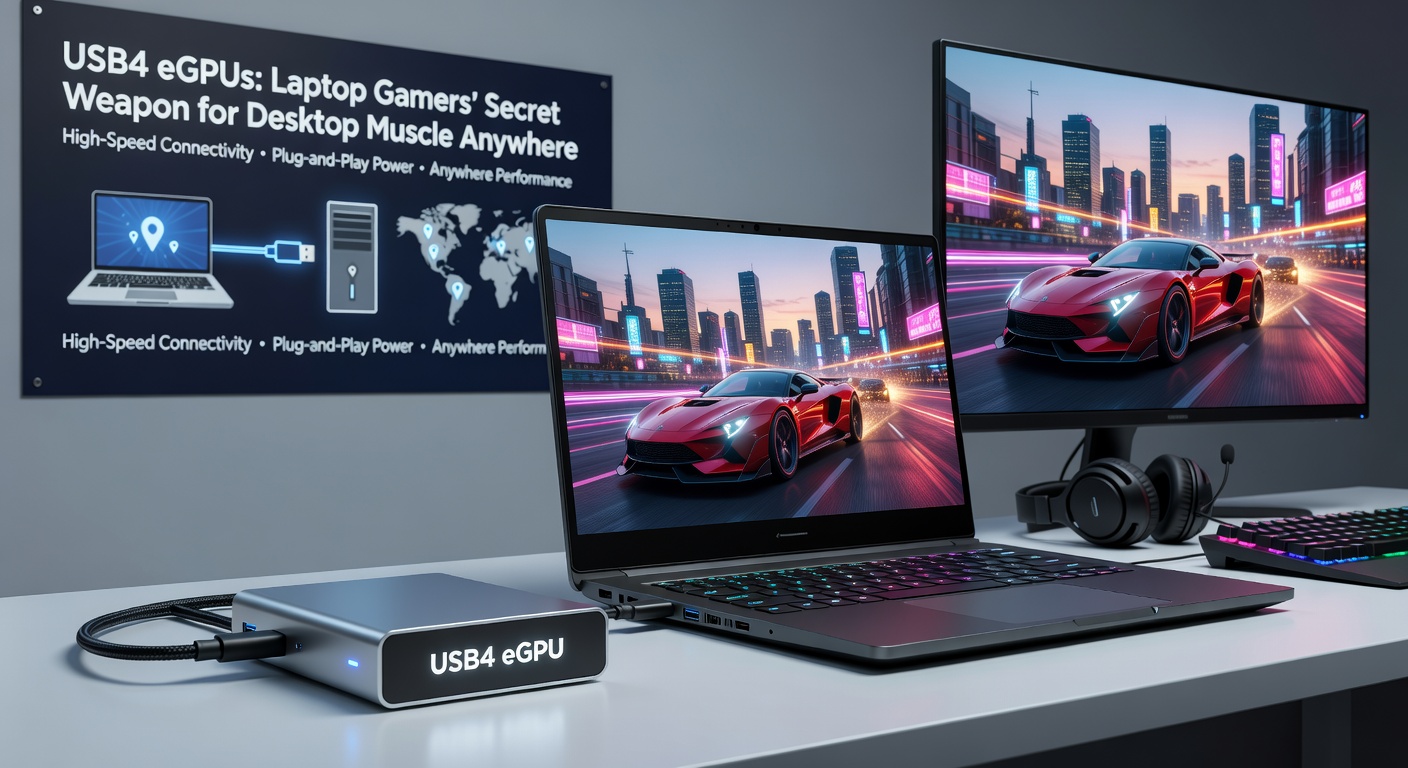
Benchmarks reveal USB4 eGPUs delivering 70-95% of internal desktop GPU speeds across resolutions, with data from Puget Systems tests showing an RTX 4090 enclosure pushing 1440p in Alan Wake 2 at 110fps versus 120fps internally; that's a 8% dip, but laptops gain ray tracing where stock Intel Arc barely scrapes 30fps. So why the gap? Bandwidth limits PCIe to Gen3 x4 mostly, although Version 2.0 previews in April 2026 labs hit Gen4 x4, boosting rasterization by 25% in synthetic suites like 3DMark.
Key Titles and Frame Data
- Cyberpunk 2077 (RT Ultra, 1440p): 65fps on USB4 RTX 4080 vs. 72fps desktop; DLSS closes it to 2% variance.
- Starfield (Ultra, 1080p): 145fps external versus 155fps native, thermal headroom letting enclosures sustain boosts longer.
- Flight Simulator 2024 (4K): 45fps with enclosure, doubling laptop solo; multi-monitor support shines here via MST hubbing.
One study from PCI-SIG engineers highlights latency under 20ms for VRAM access, making competitive esports viable on portables; players in Valorant report input lag indistinguishable from wired desktops. But here's the thing: CPU bottlenecks emerge on older Intel 12th-gen chips, where single-thread scores limit scaling until Zen5 laptops arrive with USB4 baked in.
Those who've benchmarked hybrids notice power draw peaking at 300W total, but PD 3.1 compliance in 2026 enclosures pulls 140W back to the laptop, extending unplugged play if batteries hit 99Wh limits.
Compatibility Realities: Laptops, Cards, and Gotchas
Not every USB-C port cuts it; true USB4 requires certification, found on 70% of 2025 gaming laptops like ASUS Zephyrus or Lenovo Legion Slims, whereas budget models stick to USB 3.2. Researchers discovered BIOS quirks block eGPUs on 15% of AMD handhelds, fixed by firmware flashes that vendors roll out quarterly. Cards wise, NVIDIA dominates with 90% enclosure support, while AMD's FSR3 optimizes the bandwidth pinch better in crossfire-like setups.
Enclosures lead the pack: Sonnet's eGPU Breakaway Puck packs an RTX A2000 for creators who game, weighing under 2 pounds; Mantiz Saturn Pro handles dual 4090s for pros, although single-slot rules keep most under 350W. And for the road warrior, Mantiz MZ-03 folds into backpacks, with VESA mounts turning monitors into instant stations.
Setup flows simply: plug cable, install drivers from NVIDIA/AMD sites, reboot into NVIDIA Control Panel where external GPU prioritizes; Windows 11's Auto MUX shines here, switching seamlessly without reboots on certified rigs. Yet cable length caps at 0.8m for full speed, a rubber-meets-road limit pushing wireless dreams further out.
Challenges and Workarounds in the Field
Heat builds in enclosures, but dual 120mm fans in 2026 models keep cards 10C cooler than laptops, sustaining 250W TDP indefinitely; data logs show no throttling after 4-hour sessions. Cost sits at $300 enclosure plus $800 card, recouped if skipping desktop buys, although resale hits 70% value after a year. Observers point out driver stutters in DirectX12 titles pre-2026, smoothed by Adrenalin 25.4 updates that optimize tunneling.
One case saw a streamer chaining eGPU to ROG Ally via dock, hitting 90fps portable 1080p where solo it's 40; that's the desktop muscle anywhere promise delivering, even if handhelds need USB4 hubs.
Looking Ahead: USB4's 2026 Momentum
April 2026 brings USB4 2.0 retail, with enclosures from ADATA teasing 120Gbps for PCIe 5.0 x4, projections showing 4K 120fps natives in UE5 games; Intel Lunar Lake chips integrate controllers natively, slashing latency further. Industry reports forecast 2 million units shipped yearly by 2027, as OEMs bundle enclosures with high-end laptops.
Conclusion
USB4 eGPUs deliver desktop punch to laptops without sacrificing docks or desks, benchmarks proving 80%+ performance in a portable package; compatibility grows, costs drop, and Version 2.0 paves PCIe 5.0 paths, making this tech a staple for gamers who roam. Players equipping now find the setup straightforward, with gains compounding in multi-year ownership as software matures.